 Python
How to import requirements.txt into Poetry
Oct 23, 2023 · Updated: Jan 25, 2024 · by Tim Kamanin
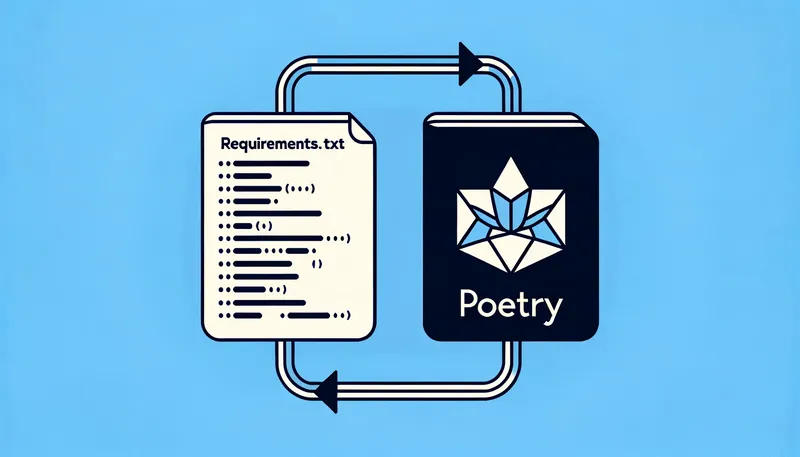
First of all, congratulations on choosing Poetry for your Python project management. It’s a fantastic choice, and I hope that Poetry becomes the de facto standard.
It’s time to bid farewell to the good old, barebones requirements.txt file, to move your dependencies over to Poetry, and let it handle everything—including proper version tracking of dependencies.
I’m going to assume that you’ve already initialized your Poetry project and have the pyproject.yml file at the root of your project. If not, run the following command to initialize a Python project with Poetry:
poetry init
Now, migrating from requirements.txt to Poetry is as easy as running the following command at the root of your Python project:
poetry add $(cat requirements.txt)
And if you wish to add local dev dependencies, with your dependencies defined in requirements.dev.txt, then you need to run the following command:
poetry add --group dev $(cat requirements.dev.txt)
Next, open the pyproject.yml file at the root of your project, and you should see your core dependencies listed under [tool.poetry.dependencies] and dev dependencies under [tool.poetry.group.dev.dependencies]:
[tool.poetry.dependencies]
python = "^3.11"
django = ">=4.2,<4.3"
wagtail = ">=5.1,<5.2"

[tool.poetry.group.dev.dependencies]
pytest = ">=7.4,<7.5"
At this point, you’re ready to say goodbye to requirements.txt files and fully embrace the power of Poetry:
rm requirements.txt
rm requirements.dev.txt
Ah, doesn’t that feel good?
Hey, if you've found this useful, please share the post to help other folks find it:
There's even more:
Subscribe for updates
- via Mastodon: @[email protected]
- old school RSS:
- or evergreen email → → →↓ ↓ ↓